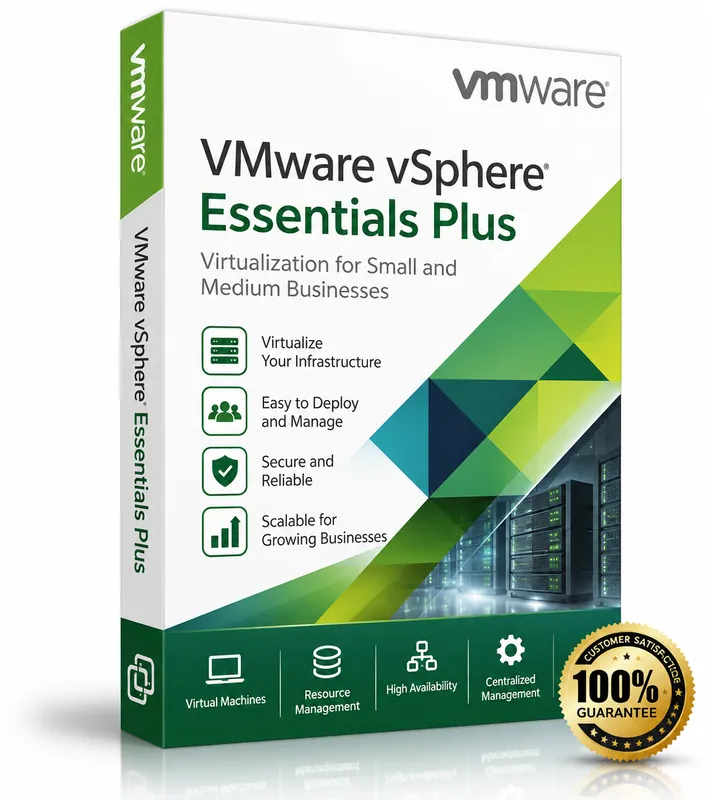
Product image for illustration. You receive a digital licence key – no physical box or disc.
VMware · Virtualization
VMware vSphere Essentials Plus Kit
No reviews yetAll-in-one virtualisation kit for small businesses: up to 3 servers with vCenter, vMotion and High Availability.
- Up to 3 hosts with 2 CPUs each
- vCenter Server Essentials
- vMotion live migration
- High Availability
$14.00
Keys are region-specific – choose the region where you will activate the product.
Maximum 3 keys per order.
- Availability
- In stock
- Multilingual
- Multilingual · VMware ESXi / vCenter
- Support
- Our team replies within 24 hours – support@keymart.net
- Payment
- Visa, Mastercard, Amex, Apple Pay, Google Pay, PayPal
- Delivery
- Digital key, delivered by email after order check
Secure checkout
Encrypted payment, 3D Secure
Order check
Every order reviewed by a person
Refund protection
Full refund if your key doesn't activate
Real support
Our team replies within 24 hours
Description
VMware vSphere Essentials Plus Kit is designed for small and medium businesses. It covers up to 3 physical servers (2 CPUs each) and includes vCenter Server Essentials for central management.
It includes key business-continuity features such as vMotion live migration, High Availability and vSphere Replication.
What's included
- Up to 3 hosts with 2 CPUs each
- vCenter Server Essentials
- vMotion live migration
- High Availability
- vSphere Replication
Good to know
- Supported platforms: VMware ESXi / vCenter.
- Region: buy the location matching where you will activate (US, EU, UK or Global).
- Delivery: every order is checked by our team; your key is then delivered by email and saved in your account.
- Starting prices from $14.00.
System requirements
- Up to 3 servers, 64-bit x86 with VT-x/AMD-V
- RAM: 8 GB minimum per host
- Network: Gigabit Ethernet
- Boot device: 32 GB (128 GB recommended) per host
- Hardware listed in the VMware Compatibility Guide
Activation guide
- 1
Workstation Pro / Fusion Pro
Open the app and go to Help → Enter a License Key (Workstation) or VMware Fusion → License (Fusion), then paste the key.
- 2
vSphere: add the key
In the vSphere Client open Administration → Licensing → Licenses → Add, paste the key, give it a name and finish.
- 3
vSphere: assign it
Go to the Assets tab, select your vCenter Server or ESXi hosts, choose “Assign License” and select the new key.
- 4
Single ESXi host
Without vCenter, open the ESXi Host Client → Manage → Licensing → Assign license and enter the key.
Frequently asked questions
How many servers can I use?+
The Essentials Plus Kit covers up to 3 hosts with up to 2 CPUs each.
Which vSphere version is it?+
The version (7 or 8) is shown in the version you select.
Customer reviews
Only customers who bought this product can review it.
There are no reviews yet. Reviews appear here after verified customers receive their keys.
Sign in to review products you have bought.