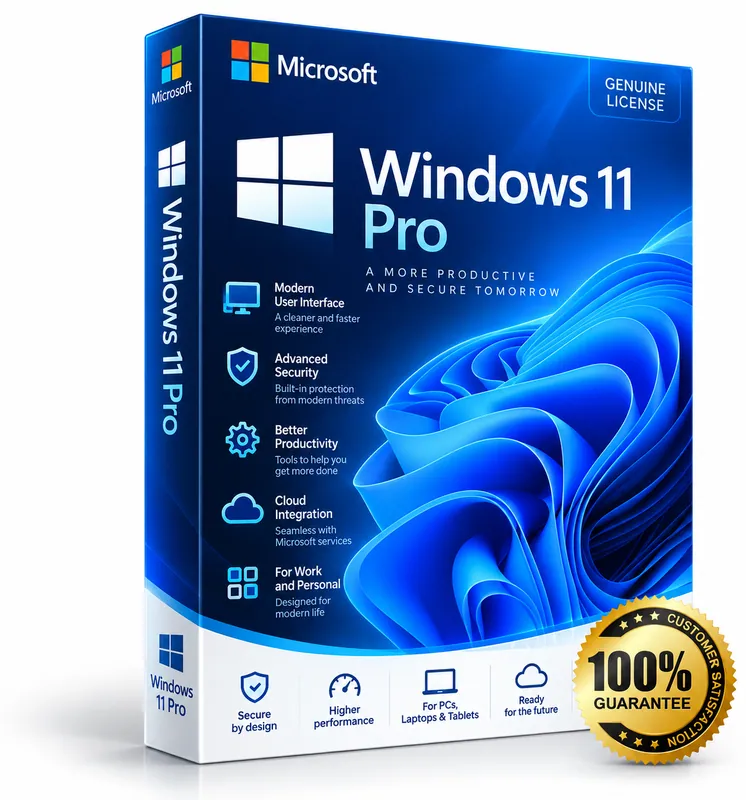
Product image for illustration. You receive a digital licence key – no physical box or disc.
Microsoft · Operating System
Windows 11 Pro
No reviews yetWindows 11 for professionals and small businesses: BitLocker encryption, Remote Desktop, Hyper-V and domain join.
- Everything in Windows 11 Home
- BitLocker device encryption
- Remote Desktop host
- Hyper-V and Windows Sandbox
$15.00 – $156.00
Keys are region-specific – choose the region where you will activate the product.
Maximum 3 keys per order.
- Availability
- Select version and location
- Multilingual
- Multilingual · Windows (PC)
- Support
- Our team replies within 24 hours – support@keymart.net
- Payment
- Visa, Mastercard, Amex, Apple Pay, Google Pay, PayPal
- Delivery
- Digital key, delivered by email after order check
Secure checkout
Encrypted payment, 3D Secure
Order check
Every order reviewed by a person
Refund protection
Full refund if your key doesn't activate
Real support
Our team replies within 24 hours
Description
Windows 11 Pro includes everything in Windows 11 Home plus tools for work and small businesses. BitLocker encrypts your drives, Remote Desktop lets you control your PC from another device, and Hyper-V and Windows Sandbox let you run virtual machines and test apps safely.
Pro PCs can also join a company domain or Microsoft Entra ID and be managed with Group Policy and Windows Update for Business.
What's included
- Everything in Windows 11 Home
- BitLocker device encryption
- Remote Desktop host
- Hyper-V and Windows Sandbox
- Domain / Microsoft Entra ID join and Group Policy
- Windows Update for Business
Good to know
- Supported platforms: Windows (PC).
- Region: buy the location matching where you will activate (US, EU, UK or Global).
- Delivery: every order is checked by our team; your key is then delivered by email and saved in your account.
- Starting prices from $15.00.
System requirements
- Processor: 1 GHz or faster, 64-bit, 2 or more cores (compatible CPU)
- RAM: 4 GB or more
- Storage: 64 GB or more
- UEFI firmware with Secure Boot, TPM 2.0
- Graphics: DirectX 12 compatible, WDDM 2.0 driver
- Display: 720p, larger than 9 inches
Activation guide
- 1
Microsoft 365 / Office: open the setup page
Go to the official Microsoft setup page (microsoft365.com/setup or office.com/setup) and sign in with your Microsoft account.
- 2
Enter your product key
Enter the 25-character key, choose your country/region and language, and confirm. The product appears under Services & subscriptions in your Microsoft account.
- 3
Install the apps
From your Microsoft account choose “Install” and run the installer. Sign in inside Word or Excel to finish activation.
- 4
Windows: open activation settings
On the PC open Settings → System → Activation (Windows 11) and choose “Change product key”.
- 5
Windows: enter the key
Enter the 25-character key and click Next → Activate. You need an internet connection.
Frequently asked questions
Can I upgrade my Windows 11 Home to Pro with this key?+
Yes. Open Settings → System → Activation → Change product key, enter the Pro key and Windows upgrades without losing your files.
Is this a one-time licence?+
Yes, a Windows 11 Pro key does not expire.
Customer reviews
Only customers who bought this product can review it.
There are no reviews yet. Reviews appear here after verified customers receive their keys.
Sign in to review products you have bought.