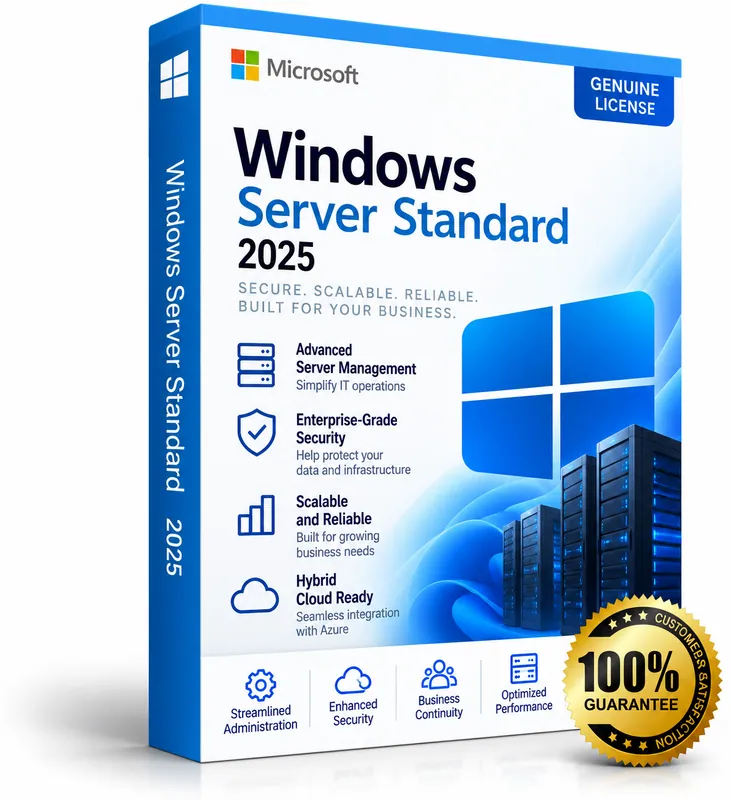
Product image for illustration. You receive a digital licence key – no physical box or disc.
Microsoft · Operating System
Windows Server 2025 Standard
No reviews yetMicrosoft's server operating system for physical or lightly virtualised environments – includes rights for 2 VMs.
- Long-Term Servicing Channel release
- Rights for 2 VMs / Hyper-V containers per fully licensed server
- Active Directory, file, print and web server roles
- Improved security and Hyper-V
$12.00
Keys are region-specific – choose the region where you will activate the product.
Maximum 3 keys per order.
- Availability
- In stock
- Multilingual
- Multilingual · Windows Server
- Support
- Our team replies within 24 hours – support@keymart.net
- Payment
- Visa, Mastercard, Amex, Apple Pay, Google Pay, PayPal
- Delivery
- Digital key, delivered by email after order check
Secure checkout
Encrypted payment, 3D Secure
Order check
Every order reviewed by a person
Refund protection
Full refund if your key doesn't activate
Real support
Our team replies within 24 hours
Description
Windows Server 2025 Standard is the latest Long-Term Servicing Channel release of Windows Server. It runs file, print, web, Active Directory and application workloads, with improved security (including hotpatching options and stronger Active Directory defaults), faster storage and Hyper-V improvements.
The Standard edition is licensed per core and includes the right to run up to 2 virtual machines or Hyper-V containers when all physical cores of the server are licensed. Client Access Licences (CALs) are required for users or devices that access the server.
What's included
- Long-Term Servicing Channel release
- Rights for 2 VMs / Hyper-V containers per fully licensed server
- Active Directory, file, print and web server roles
- Improved security and Hyper-V
- Server Core or Desktop Experience installation
Good to know
- Supported platforms: Windows Server.
- Region: buy the location matching where you will activate (US, EU, UK or Global).
- Delivery: every order is checked by our team; your key is then delivered by email and saved in your account.
- Starting prices from $12.00.
System requirements
- Processor: 1.4 GHz 64-bit, x64 instruction set with NX, DEP, SSE4.2 and POPCNT support
- RAM: 512 MB (Server Core) / 2 GB (Desktop Experience); ECC recommended
- Storage: 32 GB minimum
- Network: Gigabit Ethernet adapter
- UEFI 2.3.1c with Secure Boot and TPM 2.0 for some security features
Activation guide
- 1
Windows Server
Enter the key during setup, or later in Settings → System → Activation → Change product key. From an elevated command prompt you can also run: slmgr /ipk <your-key> and then slmgr /ato.
- 2
Windows Server RDS CALs
Open Remote Desktop Licensing Manager on your licence server, right-click the server → Install Licenses, choose the licence programme that matches your purchase and enter the licence code. Then set the RD Session Host to Per User licensing.
- 3
SQL Server
Run SQL Server Setup and enter the product key on the “Product Key” page. For an existing evaluation installation, choose Maintenance → Edition Upgrade and enter the key there.
- 4
Exchange Server
Open the Exchange admin center → Servers, select the server, choose “Enter product key”, paste the key and save. Restart the Microsoft Exchange Information Store service to apply it.
- 5
Visual Studio
Open Visual Studio → Help → Register Visual Studio (or Account Settings) → “Unlock with a Product Key” and enter the key.
Frequently asked questions
How many cores does a key cover?+
Windows Server is licensed per physical core (minimum 16 cores per server, 8 per CPU). Please check the core count in the version you select.
Do I need CALs?+
Yes. Each user or device that accesses the server needs a Windows Server CAL; Remote Desktop users also need an RDS CAL.
Customer reviews
Only customers who bought this product can review it.
There are no reviews yet. Reviews appear here after verified customers receive their keys.
Sign in to review products you have bought.