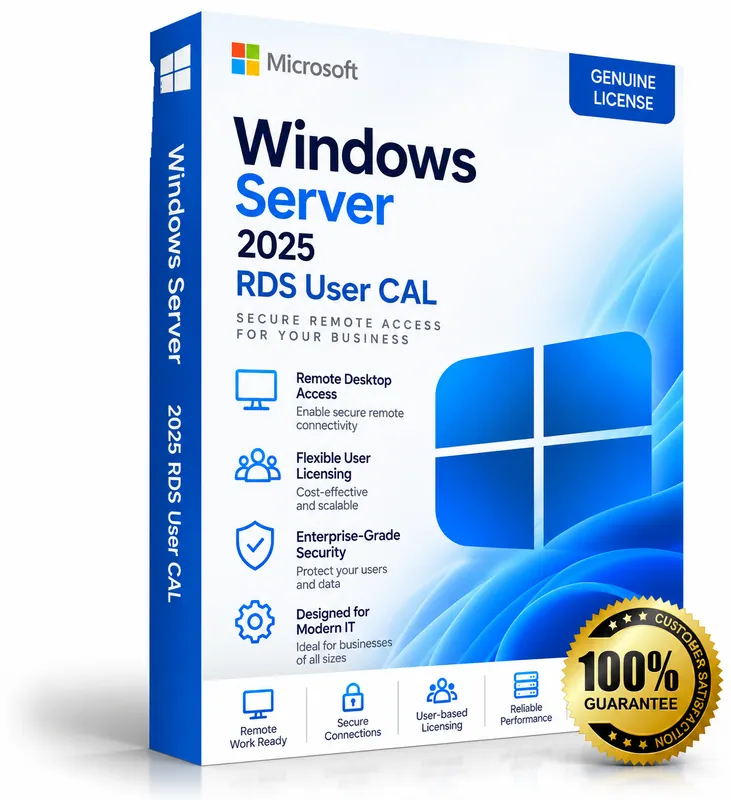
Product image for illustration. You receive a digital licence key – no physical box or disc.
Microsoft · Server & Developer
Windows Server 2025 RDS CALs
No reviews yetRemote Desktop Services Client Access Licences for Windows Server 2025 – packs of 50 User CALs, 50 Device CALs or both.
- Packs of 50 User CALs, 50 Device CALs, or both
- User CAL: one person on any number of devices
- Device CAL: one device for any number of people
- Valid for Windows Server 2025 and earlier
$52.00 – $96.00
Keys are region-specific – choose the region where you will activate the product.
Maximum 3 keys per order.
- Availability
- Select version and location
- Multilingual
- Multilingual · Windows Server
- Support
- Our team replies within 24 hours – support@keymart.net
- Payment
- Visa, Mastercard, Amex, Apple Pay, Google Pay, PayPal
- Delivery
- Digital key, delivered by email after order check
Secure checkout
Encrypted payment, 3D Secure
Order check
Every order reviewed by a person
Refund protection
Full refund if your key doesn't activate
Real support
Our team replies within 24 hours
Description
Windows Server 2025 Remote Desktop Services (RDS) CALs give users or devices the right to access Remote Desktop Services – remote desktops and RemoteApp programs – on servers running Windows Server 2025 or earlier.
A User CAL covers one named user on any number of devices; a Device CAL covers one device used by any number of people. RDS CALs are installed on your RD Licensing server, and each user or device also needs a standard Windows Server CAL.
What's included
- Packs of 50 User CALs, 50 Device CALs, or both
- User CAL: one person on any number of devices
- Device CAL: one device for any number of people
- Valid for Windows Server 2025 and earlier
- Installed on the RD Licensing server
Good to know
- Supported platforms: Windows Server.
- Region: buy the location matching where you will activate (US, EU, UK or Global).
- Delivery: every order is checked by our team; your key is then delivered by email and saved in your account.
- Starting prices from $52.00.
System requirements
- Windows Server with the Remote Desktop Licensing role installed
- RD Session Host set to Per User or Per Device licensing to match your CALs
- Internet connection (or telephone) for licence activation
Activation guide
- 1
Windows Server
Enter the key during setup, or later in Settings → System → Activation → Change product key. From an elevated command prompt you can also run: slmgr /ipk <your-key> and then slmgr /ato.
- 2
Windows Server RDS CALs
Open Remote Desktop Licensing Manager on your licence server, right-click the server → Install Licenses, choose the licence programme that matches your purchase and enter the licence code. Then set the RD Session Host to Per User licensing.
- 3
SQL Server
Run SQL Server Setup and enter the product key on the “Product Key” page. For an existing evaluation installation, choose Maintenance → Edition Upgrade and enter the key there.
- 4
Exchange Server
Open the Exchange admin center → Servers, select the server, choose “Enter product key”, paste the key and save. Restart the Microsoft Exchange Information Store service to apply it.
- 5
Visual Studio
Open Visual Studio → Help → Register Visual Studio (or Account Settings) → “Unlock with a Product Key” and enter the key.
Frequently asked questions
User CALs or Device CALs?+
Choose User CALs when people connect from several devices, and Device CALs when several people share one device (for example shift workers). The pack with both suits mixed setups.
Do I also need a normal Windows Server CAL?+
Yes. RDS CALs are in addition to Windows Server CALs.
Customer reviews
Only customers who bought this product can review it.
There are no reviews yet. Reviews appear here after verified customers receive their keys.
Sign in to review products you have bought.