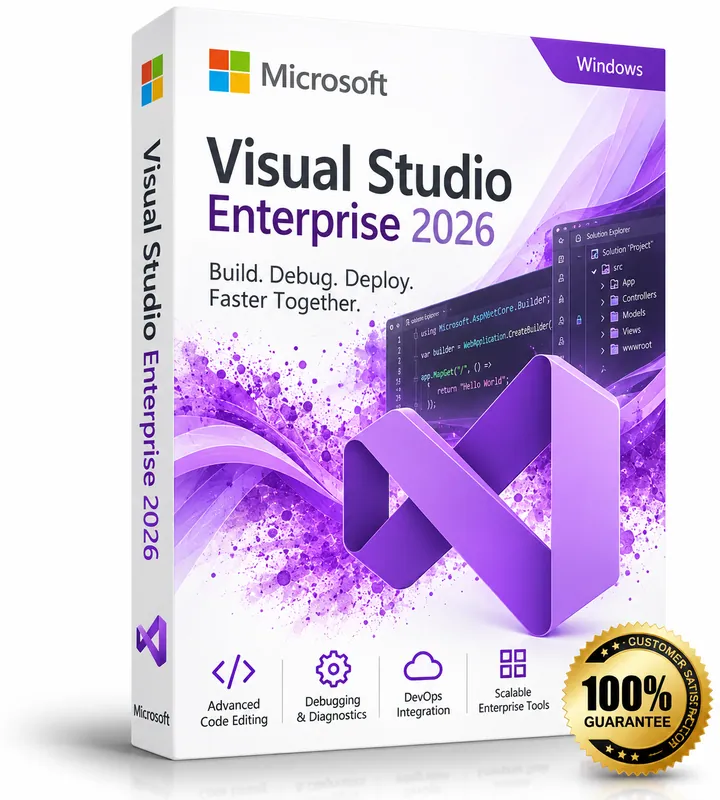
Product image for illustration. You receive a digital licence key – no physical box or disc.
Microsoft · Server & Developer
Microsoft Visual Studio 2026 Enterprise
No reviews yetMicrosoft's most complete IDE: everything in Professional plus advanced testing, debugging and architecture tools.
- Everything in Visual Studio Professional
- IntelliTrace and snapshot debugging
- Live Unit Testing and code coverage
- Architecture and dependency validation
$25.00
Keys are region-specific – choose the region where you will activate the product.
Maximum 3 keys per order.
- Availability
- In stock
- Multilingual
- Multilingual · Windows
- Support
- Our team replies within 24 hours – support@keymart.net
- Payment
- Visa, Mastercard, Amex, Apple Pay, Google Pay, PayPal
- Delivery
- Digital key, delivered by email after order check
Secure checkout
Encrypted payment, 3D Secure
Order check
Every order reviewed by a person
Refund protection
Full refund if your key doesn't activate
Real support
Our team replies within 24 hours
Description
Visual Studio 2026 Enterprise includes everything in Professional and adds tools for large teams and complex applications. Advanced debugging with IntelliTrace and snapshot debugging, Live Unit Testing, code coverage, Microsoft Fakes and architecture validation help you deliver higher-quality software.
It supports .NET, C++, Python, JavaScript, cloud and game development workloads, with Git integration and GitHub Copilot support.
What's included
- Everything in Visual Studio Professional
- IntelliTrace and snapshot debugging
- Live Unit Testing and code coverage
- Architecture and dependency validation
- Microsoft Fakes
Good to know
- Supported platforms: Windows.
- Region: buy the location matching where you will activate (US, EU, UK or Global).
- Delivery: every order is checked by our team; your key is then delivered by email and saved in your account.
- Starting prices from $25.00.
System requirements
- Windows 11 or Windows 10 (64-bit, supported versions), or Windows Server 2019 or later
- Processor: ARM64 or x64, quad-core or better recommended
- RAM: 4 GB minimum (16 GB recommended)
- Storage: 20–50 GB free space depending on workloads (SSD recommended)
- Display: 1366 × 768 or higher
Activation guide
- 1
Windows Server
Enter the key during setup, or later in Settings → System → Activation → Change product key. From an elevated command prompt you can also run: slmgr /ipk <your-key> and then slmgr /ato.
- 2
Windows Server RDS CALs
Open Remote Desktop Licensing Manager on your licence server, right-click the server → Install Licenses, choose the licence programme that matches your purchase and enter the licence code. Then set the RD Session Host to Per User licensing.
- 3
SQL Server
Run SQL Server Setup and enter the product key on the “Product Key” page. For an existing evaluation installation, choose Maintenance → Edition Upgrade and enter the key there.
- 4
Exchange Server
Open the Exchange admin center → Servers, select the server, choose “Enter product key”, paste the key and save. Restart the Microsoft Exchange Information Store service to apply it.
- 5
Visual Studio
Open Visual Studio → Help → Register Visual Studio (or Account Settings) → “Unlock with a Product Key” and enter the key.
Frequently asked questions
How do I enter the key?+
Open Visual Studio → Help → Register Visual Studio → Unlock with a Product Key.
Is Visual Studio Enterprise a subscription at Microsoft?+
Microsoft mainly sells Enterprise as a Visual Studio subscription. Please read the licence details in the version you select before buying.
Customer reviews
Only customers who bought this product can review it.
There are no reviews yet. Reviews appear here after verified customers receive their keys.
Sign in to review products you have bought.